Note
Version 0.16.0 is deprecated and will not receive updates.
To continue receiving updates, please refer to Update from version 0.16.0.
Khernet v0.16.0 was designed to install without a wizard, similar to a portable application.
Prerequisites
- .NET Framework 4.5 (installed automatically if missing)
- 270 MB of free space
Supported systems
Windows Vista SP2 (KB2533623) through Windows 10 (not RT)
Setup
- Place the Khernet.exe file into any folder on your system.
Download the latest version of Khernet.
Double-click Khernet.exe and wait for the setup to complete.
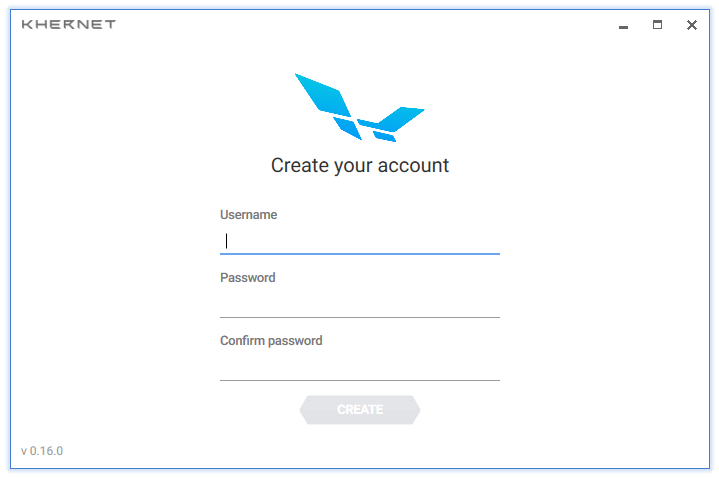
When installation is done, the main screen will appear.
Notes
If prompted to run with administrator privileges, restart the application as administrator. Otherwise, it won’t be able to communicate with peers.
On the first run, you’ll need to create a username and password. If you already have an account, sign in with your existing credentials.
Warning
Don’t lose your password! If you do, you won’t be able to access the application or your chat history.