You can format text messages using Markdown.
Tip
- Click the Markdown icon (M with a down arrow) to toggle formatting.
- Type using Markdown syntax; a live preview appears.
- Send the message with the arrow button or by pressing Enter.
How to send a Markdown message
- Click the Markdown icon (M letter with a down arrow) at the top-left of the text box.
| State | Appearance |
|---|---|
| Markdown off | 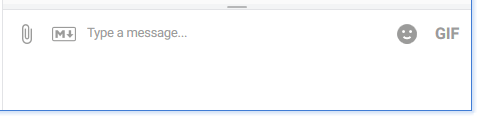
|
| Markdown on | 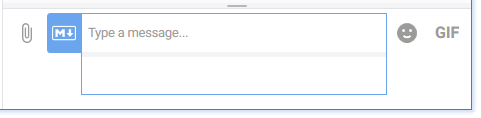 |
Type your message using Markdown syntax. You can mix formatted and plain text. A live preview of your message appears.
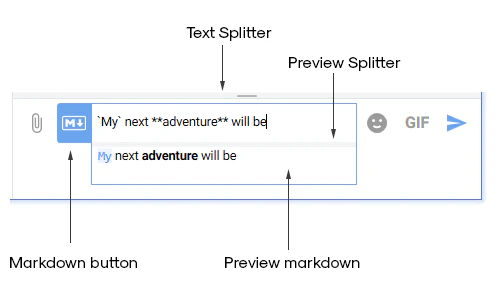
When ready, send your message:
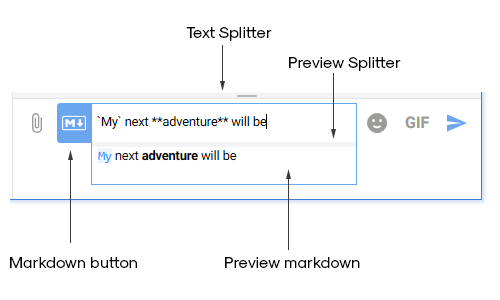
- Click the arrow button, or
- Press Enter.
Example
Here’s a sample Markdown message:
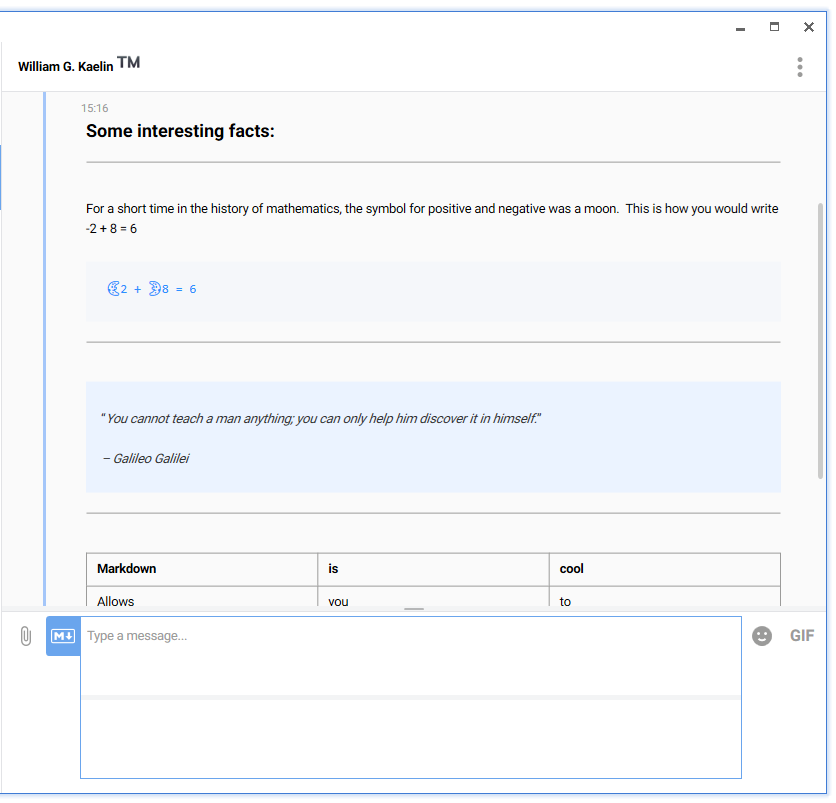
Source text
Copy and paste this into the text box to get the same result:
### Some interesting facts:

---

For a short time in the history of mathematics, the symbol for positive and negative was a moon.  This is how you would write -2 + 8 = 6


```
🌜2 + 🌛8 = 6
```

---

> “*You cannot teach a man anything; you can only help him discover it in himself.*”
>
> *– Galileo Galilei*

---

|Markdown|is|cool|
|--|--|--|
|Allows|you|to|
|Write|**good**|**looking**|
|texts|without|using|
|buttons|or|`weird languages`|

---

# ..`that` is **Khernet**.