You can send and receive text messages of any length with your contacts.
Tip
- Press Enter to send a message.
- Click the smile icon to add emojis.
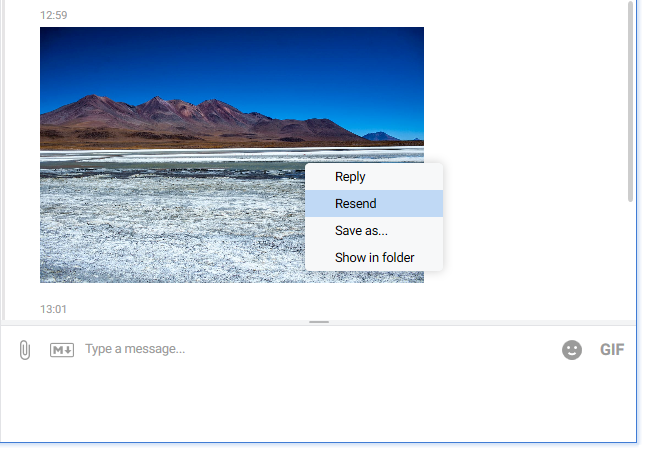
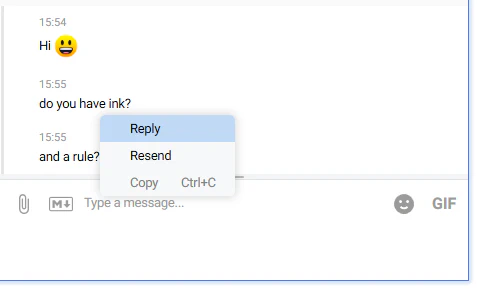
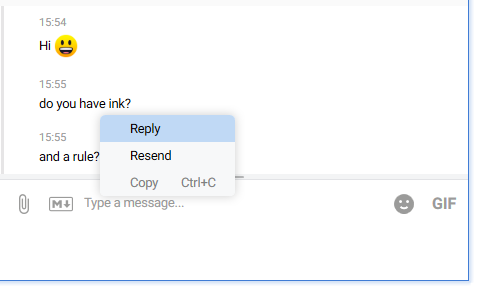
- Right-click a message to Reply, Copy, or Resend.
Sending messages
- Select a contact from the list and click it.
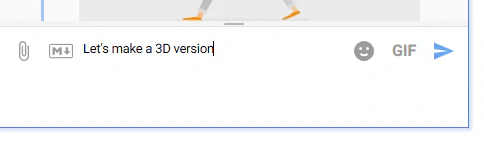
- Type your message in the text box.
- Click the arrow button to send it, or
- Press Enter on your keyboard.
To include emojis in your message, click the smile icon in the top-right corner of the text box and pick an emoji from the gallery.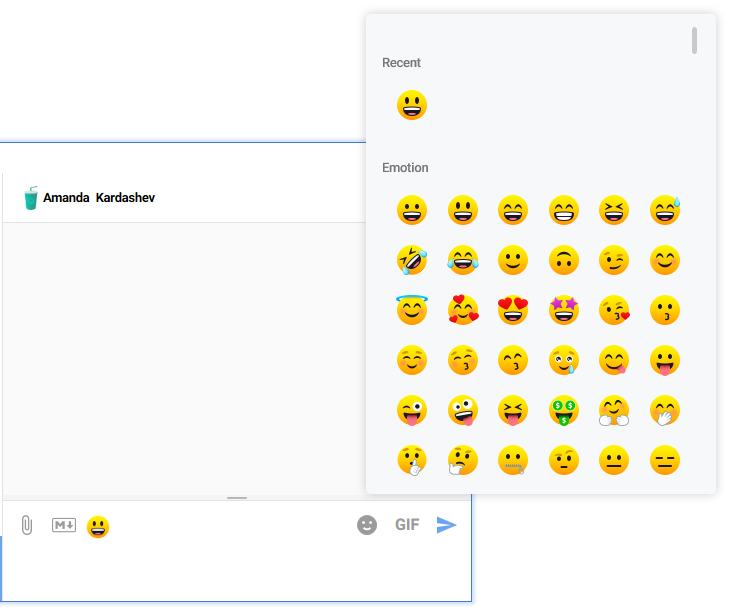
Replying to messages
You can reply to both sent and received messages.
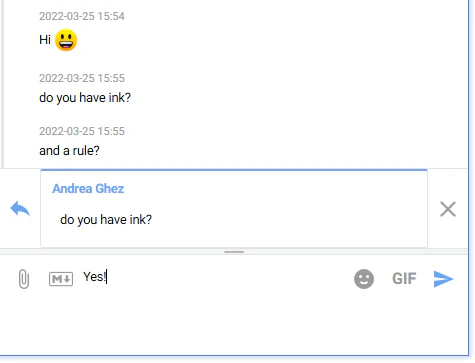
Right-click the message, then select Reply from the menu.
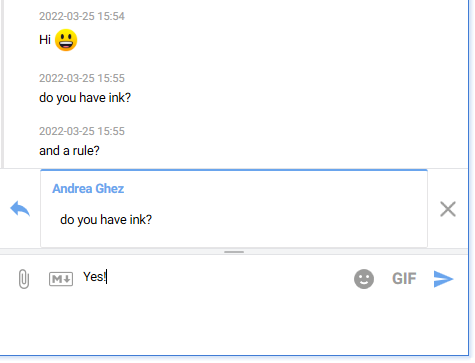
Type your reply or cancel it by clicking the X icon.
Copying messages
You can copy any message as plain text.
Right-click the message and choose Copy.
Resending messages
You can resend any message to another contact:
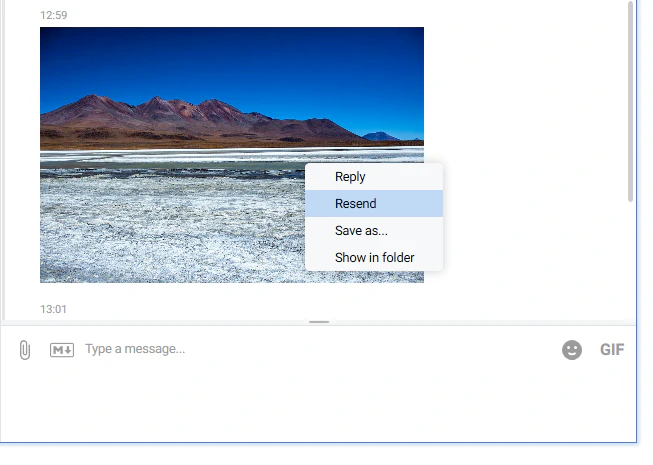
Right-click the message and select Resend.
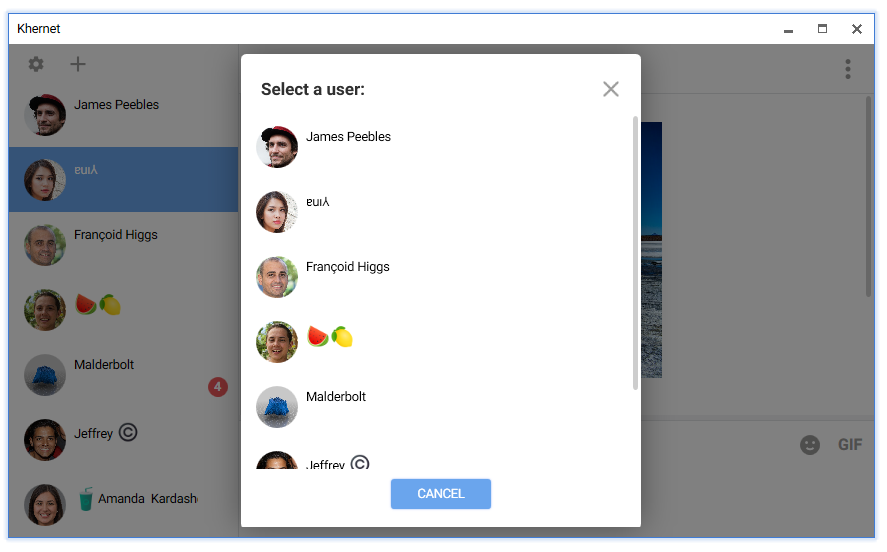
In the dialog, choose the contact you want to send it to.
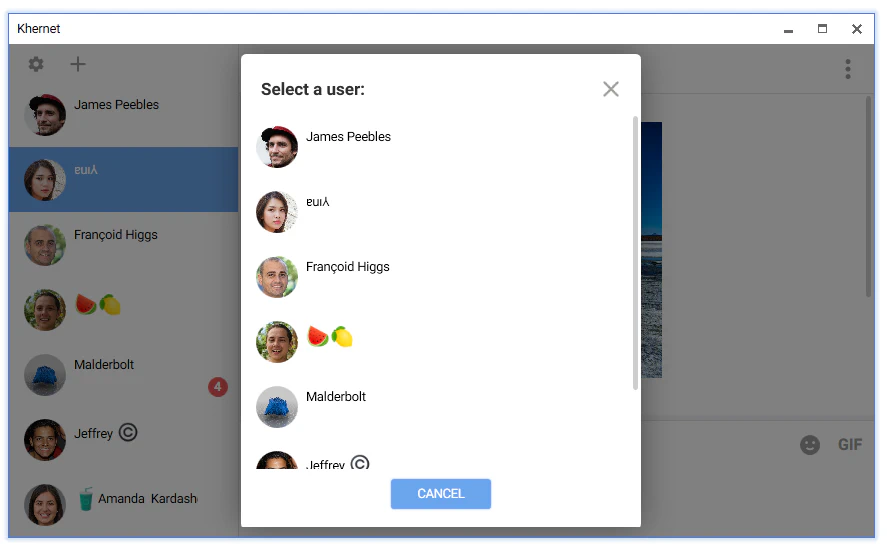
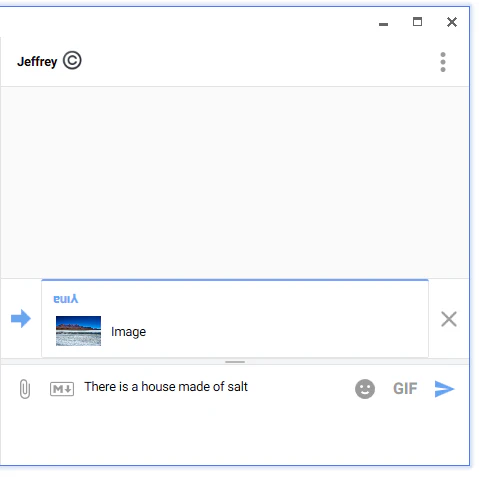
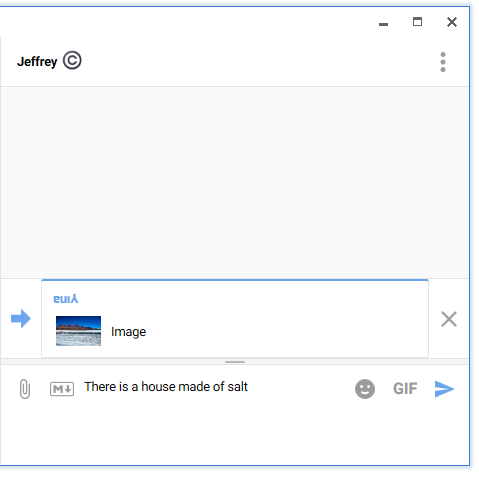
(Optional) Add a new note to send along with the original message, then click Send.